Display Case: Difference between revisions
(Created page with "{{InfoboxBlock | image = Display Case.png | item = Display Case.png | itemtooltip = Display Case | stacklimit = 64 | tool = Pickaxe | hardness = | resistance = | flammable = No }} A '''Display Case''' is a decorative block that allows the player to display items similar to an Armor Stand. Right-clicking on an empty Display Case with an item in the right hand will place the item inside of the display case. Right-clicking on a filled Displ...") |
HexeChroma (talk | contribs) No edit summary |
||
| (6 intermediate revisions by 3 users not shown) | |||
| Line 1: | Line 1: | ||
{{InfoboxBlock | {{InfoboxBlock | ||
| image = Display Case.png | | image = Display Case (block, empty).png | ||
| image2 = Display Case (block, filled).png | |||
| item = Display Case.png | | item = Display Case.png | ||
| itemtooltip = Display Case | | itemtooltip = Display Case | ||
| stacklimit = 64 | | stacklimit = 64 | ||
| tool = Pickaxe | | tool = Pickaxe | ||
| hardness = | | hardness = 0.3 | ||
| resistance = | | resistance = 0.3 | ||
| flammable = No | | flammable = No | ||
}} | }} | ||
| Line 12: | Line 13: | ||
A '''Display Case''' is a decorative block that allows the player to display items similar to an [[minecraftwiki:Armor Stand|Armor Stand]]. | A '''Display Case''' is a decorative block that allows the player to display items similar to an [[minecraftwiki:Armor Stand|Armor Stand]]. | ||
Right-clicking on an empty Display Case with an item in the | ==Usage== | ||
Right-clicking on an empty Display Case with an item in the main hand will place the item inside of the display case. Right-clicking on a filled Display Case with an empty hand will remove the item that is inside and place it inside of the player's inventory. | |||
Right-clicking on a filled Display Case with an item different to the one displayed will replace the displayed item with the one in the player's hand and will place the previously displayed item into the player's inventory. | |||
Right-clicking on a filled Display Case with the same item as the one displayed will change the orientation of the displayed item to face towards the side of the block that was interacted with. | |||
==Crafting== | ==Crafting== | ||
{{CraftingInterface | {{CraftingInterface | ||
| A1 = Glass | | A1 = {{ItemSlot| item = Glass}} | ||
| A2 = Glass | | A2 = {{ItemSlot| item = Glass}} | ||
| A3 = Glass | | A3 = {{ItemSlot| item = Glass}} | ||
| B1 = Smooth Stone Slab | | B1 = {{ItemSlot| item = Smooth Stone Slab}} | ||
| B2 = Any Wool | | B2 = {{ItemSlot| item = Any Wool}} | ||
| B3 = Smooth Stone Slab | | B3 = {{ItemSlot| item = Smooth Stone Slab}} | ||
| output = Display Case | | output = {{ItemSlot| item = Display Case}} | ||
}} | }} | ||
==History== | |||
{| class="wikitable history" style="width:100%;" | |||
!Version | |||
!Description | |||
|- | |||
!'''[[1.5.0]]''' | |||
|{{ScaledImage|Display Case.png|32px}} Added Display Cases. | |||
|- | |||
!'''[[1.6.0]]''' | |||
| | |||
* Updated the volume of Display Case sounds. | |||
* Improved the performance of Display Cases holding items with lots of data. | |||
* Fixed the bottom of Display Cases being un-interactable. | |||
* Fixed a bug that caused some Pokémon models to flicker in Display Cases. | |||
|- | |||
!'''[[1.6.1]]''' | |||
| | |||
* Fixed Display Cases not dropping their item if exploded. | |||
* Stopped Pokémon models from breaking shadows when placed in Display Cases | |||
|- | |||
!'''[[1.7.0]]''' | |||
| | |||
* Stopped the Display Case from destroying items if retrieved by a player with a full inventory. | |||
|- | |||
|} | |||
{{Blocks}} | {{Blocks}} | ||
Latest revision as of 22:20, 23 January 2026
.png)
.png)
 Display Case
| Stack Limit | 64 |
|---|---|
| Tool | Pickaxe |
| Hardness | 0.3 |
| Blast Resistance | 0.3 |
| Flammable | No |
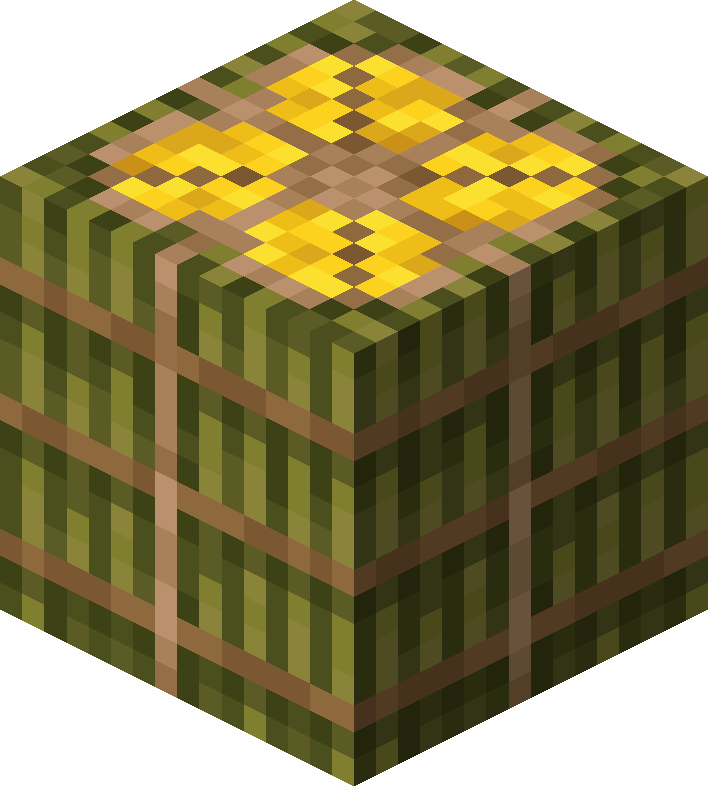
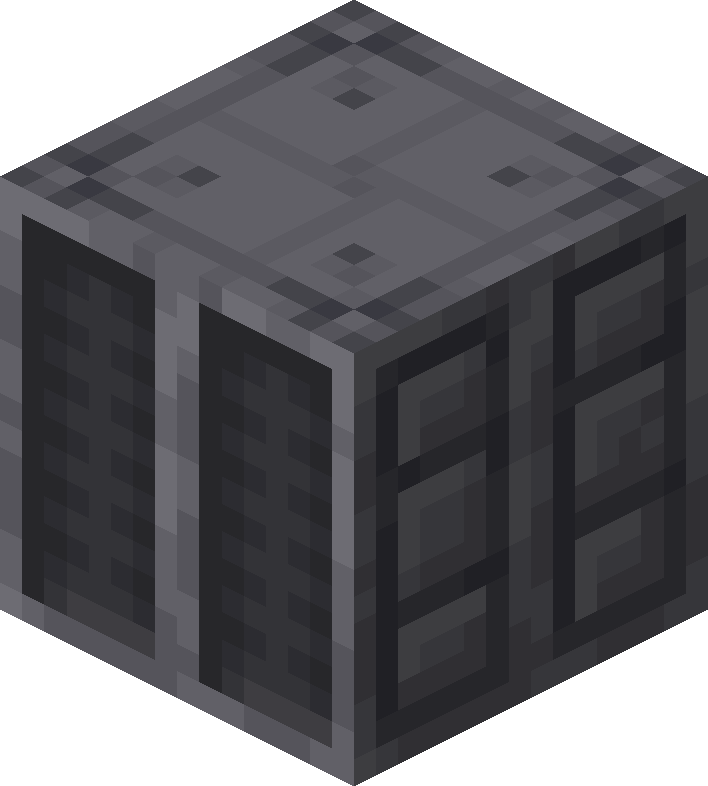
A Display Case is a decorative block that allows the player to display items similar to an Armor Stand.
Usage
Right-clicking on an empty Display Case with an item in the main hand will place the item inside of the display case. Right-clicking on a filled Display Case with an empty hand will remove the item that is inside and place it inside of the player's inventory.
Right-clicking on a filled Display Case with an item different to the one displayed will replace the displayed item with the one in the player's hand and will place the previously displayed item into the player's inventory.
Right-clicking on a filled Display Case with the same item as the one displayed will change the orientation of the displayed item to face towards the side of the block that was interacted with.
Crafting


History
| Version | Description |
|---|---|
| 1.5.0 |  |
| 1.6.0 |
|
| 1.6.1 |
|
| 1.7.0 |
|